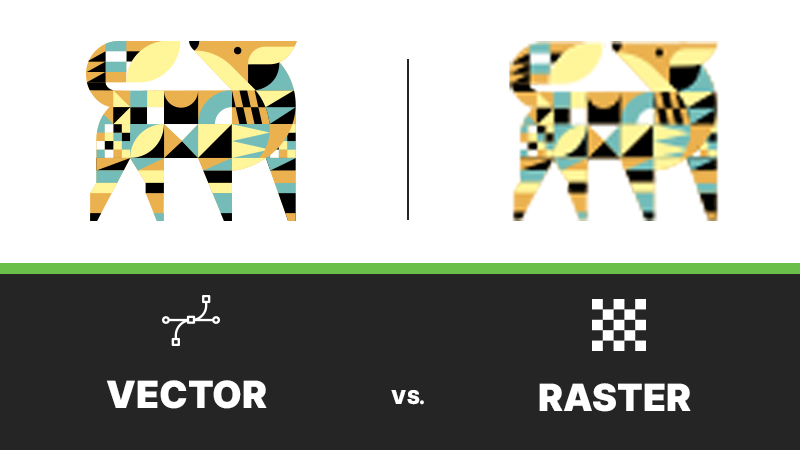
If you’ve ever been asked, “Can you send a vector file?” and weren’t totally sure what that meant you’re not alone. Understanding the difference between vector and raster files can save time, money, and a lot of back-and-forth when it comes to printing, branding, and design.
Let’s break it down in plain language.
Vector files are built with paths and points.
Raster files are made of pixels.
That one difference affects how files scale, print, and perform across different uses.
Vector graphics are created using mathematical paths instead of pixels. That means they can be scaled up or down infinitely without losing quality.
If it needs to be printed or resized, vector is king.
Raster graphics are made up of pixels (tiny squares of colour). The quality depends on resolution, which means the graphics can get blurry or pixelated depending on the size.
Raster files are resolution-dependent — size matters.
This is where things can go wrong if the file type isn’t right.
If you’re sending artwork to a printer or promotional supplier, vector is usually the safest choice.
While some print methods like DTF (Direct-to-Film) are able to print raster files, vector is almost always recommended. If you only have raster files for your artwork a high-resolution 300dpi file at print size will ensure crisp, professional results at any size.